

To store electronics safely at home, begin by disconnecting and cleaning your devices, and remove batteries to prevent leaks. Use sturdy, clearly labelled containers and anti-static materials for added protection. Keep your storage area cool and dry, avoiding direct sunlight and moisture. Organise items by function and keep accessories together, such as chargers with their respective devices. Regularly check your equipment for damage and update software to ensure optimal performance. For more tips on enhancing the safety and longevity of your electronics, keep exploring.
Key Takeaways
- Regularly disconnect and clean your electronics to improve safety and extend their lifespan.
- Store devices in sturdy, clearly labelled containers for better organisation and protection.
- Keep the environment stable with low humidity and temperature to avoid damage.
- Organise electronics by function and use colour coding for easy identification.
- Perform routine inspections and ensure software is updated for optimal performance.
Disconnect and Clean Electronics

To keep your electronics in good shape, regular disconnection and cleaning are vital for safety and longevity.
Start by unplugging devices and removing any accessories to ensure a proper clean. Look for dusty areas that may need extra attention. Additionally, maintaining stable temperatures in your storage environment can further protect your devices from damage.
Use compressed air for hard-to-reach spots and a microfiber cloth on screens to prevent scratches. For tough stains, diluted isopropyl alcohol is effective. Regular cleaning helps maintain hygiene and device longevity, ensuring they operate at their best.
Remember to clean power strips and cords safely; unplug them first and use a soft vacuum attachment.
Regular cleaning enhances device protection and improves performance. By following these simple steps, you can keep your electronics running smoothly and extend their lifespan.
Remove Batteries and Backup Data

After disconnecting and cleaning your electronics, it’s crucial to remove batteries and back up your data to further protect your devices. This step ensures proper battery maintenance and enhances data security. Removing batteries helps prevent corrosion, leakage, and potential short circuits, thereby preserving your devices’ functionality. Additionally, understanding the hazards of lithium batteries can help you take necessary precautions during storage.
| Action | Benefit |
|---|---|
| Remove Batteries | Prevents damage and corrosion |
| Backup Data | Prevents data loss and ensures access |
| Store Batteries Safely | Extends battery life |
Use non-conductive containers for battery storage and check for any damage. Always follow the manufacturer’s instructions. Make a habit of backing up your data in secure locations to maintain access and organisation, and regularly test your backup systems for reliability.
Choosing the Right Storage Materials
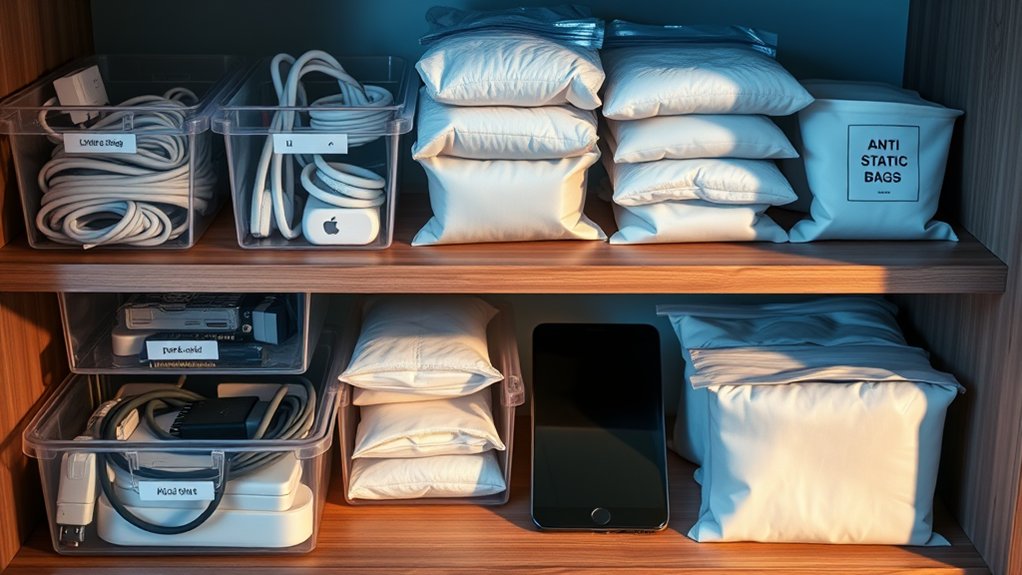
Choosing the right storage materials is crucial for safeguarding your electronics from damage. Start with robust containers that can endure wear and tear. Select boxes that are clearly labelled for easy identification of their contents. To guard against static electricity, utilise anti-static materials such as bubble wrap or specialised containers lined with these materials. This helps prevent any static discharge that could potentially harm your devices. Additionally, consider using cushioning foam to fill any gaps for extra protection. If you have the original packaging, use it whenever possible, as it typically provides the best defence. Ensure the storage area is dry to protect your electronics from humidity. Incorporating energy-efficient materials into your storage solutions can also contribute to a more sustainable environment. With the right materials, you can ensure your electronics remain safe and secure.
Ideal Storage Environment Considerations
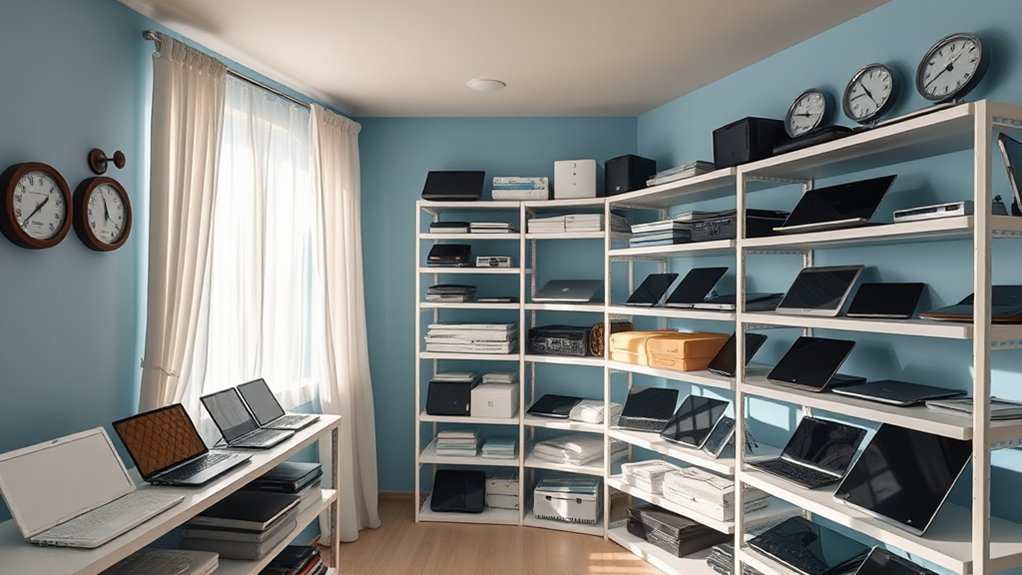
To ensure your electronics stay in top condition, it’s crucial to consider the ideal storage environment. Maintaining proper temperature and humidity is key. Aim for a stable temperature and keep humidity below 60% to prevent moisture-related problems. Here’s a handy table summarising the essential factors:
| Factor | Recommendation | Impact |
|---|---|---|
| Temperature Control | Keep temperatures stable and moderate | Prevents thermal stress |
| Humidity Management | Maintain humidity below 60% | Reduces the risk of corrosion and mould |
| Air Quality | Avoid aerosols and gases | Protects components from damage |
| Static Protection | Prevent static buildup | Safeguards sensitive components |
| Light Exposure | Store away from direct sunlight | Prevents UV degradation |
Additionally, using silica gel desiccant packs can effectively absorb excess moisture, ensuring your electronics remain dry and functional.
Preventing Physical Damage During Storage
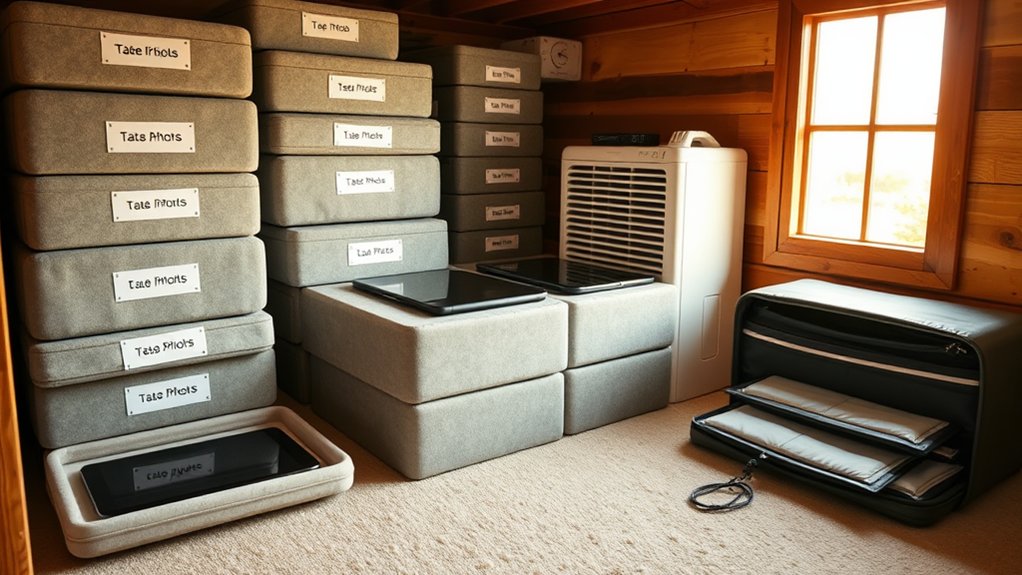
To prevent physical damage during storage, avoid stacking electronics heavily, as this can cause crushing or bending.
Instead, use protective padding such as bubble wrap or foam to cushion your devices and keep them secure.
This will help maintain the condition of your electronics until you’re ready to use them again.
Avoid Heavy Stacking
Avoiding heavy stacking is crucial for keeping your electronics safe during storage.
Using proper stacking techniques helps prevent excessive pressure that can cause cracks or misaligned components. Remember, heavy items can easily damage screens if stacked incorrectly.
Ensure there’s enough space between devices to protect them and improve air circulation, which reduces the risk of overheating and dust build-up.
Organised storage also makes it easier to find your devices when needed.
Use Protective Padding
Using protective padding is essential for keeping your electronics safe during storage. Materials like bubble wrap or foam padding can absorb shocks and help prevent damage.
Consider using custom foam inserts in the original packaging for a snug fit, which reduces movement and adds extra protection. For devices sensitive to static, anti-static bubble wrap or foam is crucial to avoid damage from static electricity.
Don’t forget the value of the original packaging, which is specifically designed to safeguard your gadgets. Additionally, storing silica gel packets or desiccants with your electronics can help combat moisture damage.
Choosing the right padding materials ensures your devices stay safe and functional, ready for use when you need them again.
Maintaining Optimal Storage Conditions
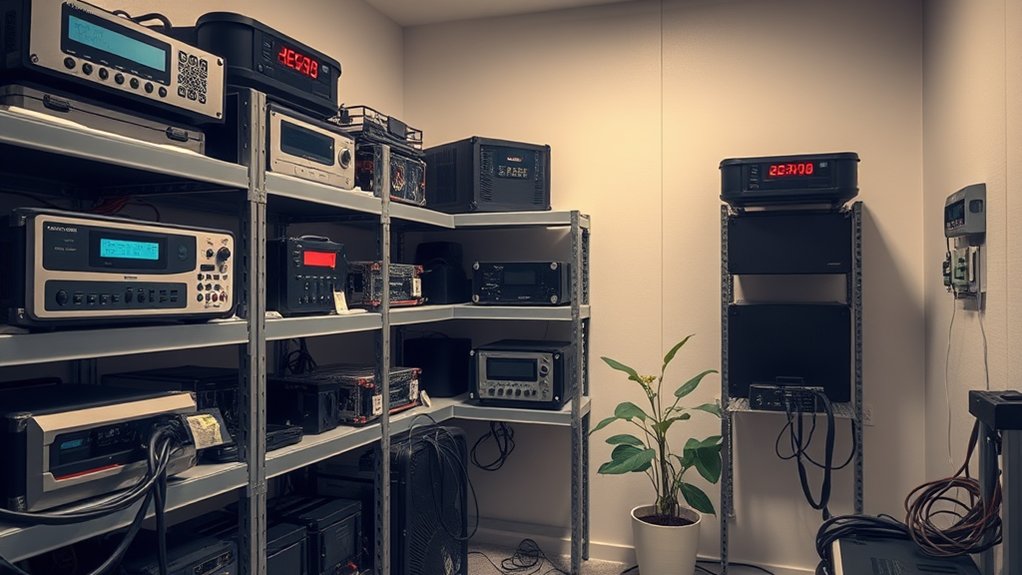
When storing electronics, it’s crucial to create the right conditions to ensure their longevity and functionality. Pay particular attention to temperature and humidity. Ideally, keep the temperature between 20°C and 25°C and humidity levels between 40% and 60%.
| Condition | Recommendation |
|---|---|
| Temperature Range | 20°C – 25°C |
| Humidity Levels | 40% – 60% |
| Component Specifics | Adhere to manufacturer guidelines |
Using climate-controlled storage can help maintain these conditions, protecting your devices from damage caused by extremes. Avoid storing in areas like attics or basements where temperatures can vary significantly. Regularly check your storage space to ensure it’s dry and free from moisture, preserving your electronics for years to come.
Organizing and Labeling Stored Items
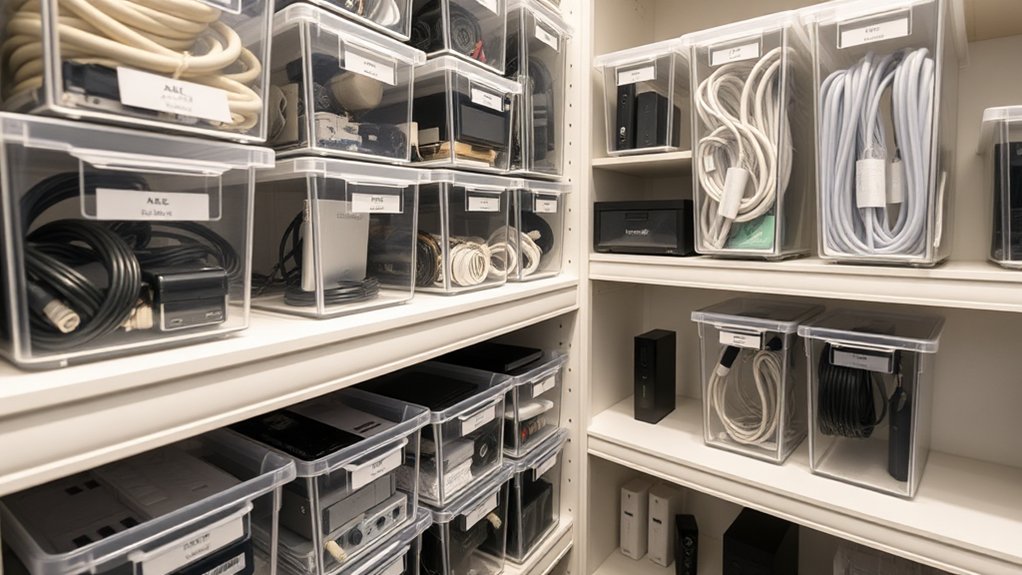
To keep your electronics easily accessible, use clear labels on each storage box so you know what’s inside at a glance.
Create an inventory list to track your items and help you find what you need quickly.
Group devices by their function, such as chargers with chargers and cables with cables, to streamline your organisation and make retrieval simple.
Use Clear Labels
Clear labels are crucial for properly organising and finding stored electronics. Focus on thoughtful design and strategic placement to improve accessibility.
Use descriptive phrases like “Electronics – Chargers and Cables” instead of vague terms. Consistency matters; keep a uniform format across all labels, including item descriptions and storage dates.
Place labels at the same height for easy scanning, ensuring they’re visible on all sides of boxes, especially when stacked. Choose high-quality, durable labels with legible fonts.
Consider colour coding to categorise items visually. Regularly update labels to reflect any changes in storage contents, and clean them periodically to maintain readability.
This approach will save you time and hassle in the long run.
Create Inventory Lists
Organising your electronics goes beyond just labelling; creating detailed inventory lists is essential for maintaining order.
Start by using a standard format for your inventory categories to make retrieval easy. Include specifications like model numbers, serial numbers, and purchase dates for clarity.
It’s also important to track the storage location of each item to avoid misplacement. Consider using inventory management software or apps to automate tracking and provide real-time data.
Regularly update your records when you add or remove items to keep your inventory accurate. This system simplifies locating your electronics and enhances your ability to manage them effectively, giving you peace of mind in your space.
Group by Function
Grouping your electronics by function can make storage much simpler.
Start by organising items like gaming consoles, office equipment, and entertainment systems into clear categories. Use labelled storage bins—such as “charging cables” or “gaming controllers”—to easily identify contents. Colour coding can also help you quickly distinguish between different categories.
Ensure each device has a specific place, and keep accessories with their corresponding items to prevent clutter. Regularly check and update your labels for accuracy.
This straightforward approach not only simplifies organisation but also improves your home’s functionality, making it easier to access what you need when you need it.
Regular Inspection and Maintenance
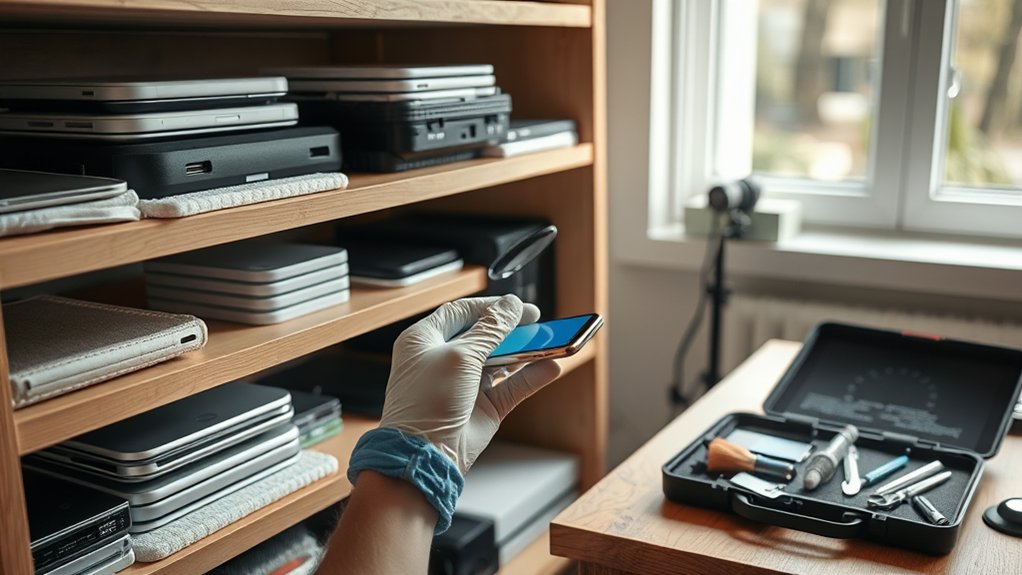
To ensure your electronics last and perform well, regular inspection and maintenance are vital.
Start with routine checks to visually assess devices for any signs of damage. Keep your electronics clean by dusting them regularly and using compressed air to clear out vents and fans, which helps prevent overheating.
Remember to update firmware to boost performance and security. Pay attention to battery care—avoid overcharging to extend battery life.
Use a multimeter to identify any electrical issues and replace worn components, such as frayed wires.
Proper Retrieval and Reuse Practices
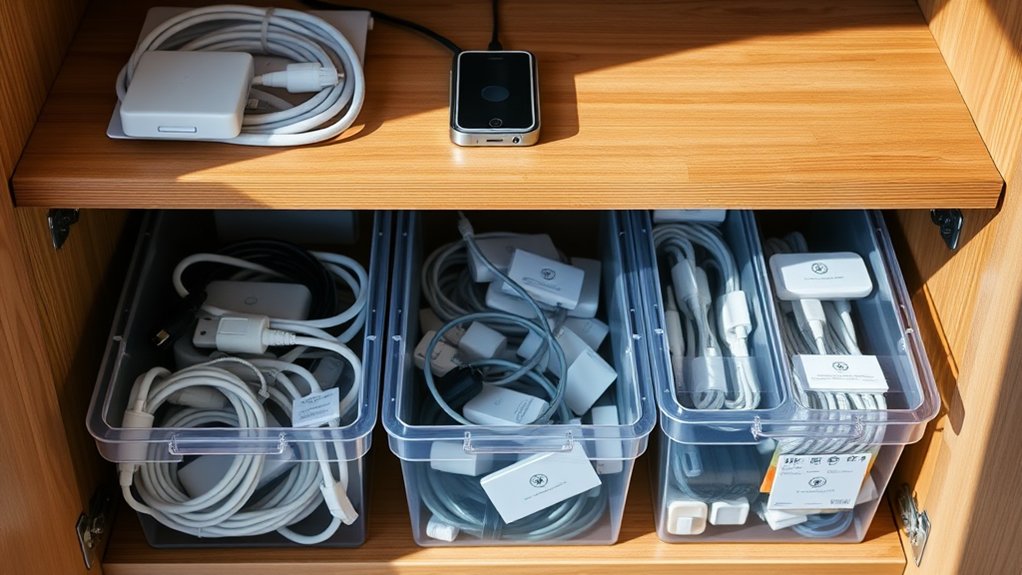
When retrieving and reusing electronics, it’s important to follow best practices to ensure efficiency and sustainability.
Begin with a device evaluation—check each item for functionality and refurbishment potential. Keep records of the retrieval process, noting the condition and intended use.
Implement data security measures to ensure any sensitive information is either removed or encrypted. Clean and prepare devices to enhance their appeal for reuse.
Sort and label devices to make inventory management easier. Collaborate with refurbishers or set up donation programmes to extend the life of electronics and promote sustainability.
Updating Software and Testing Functionality
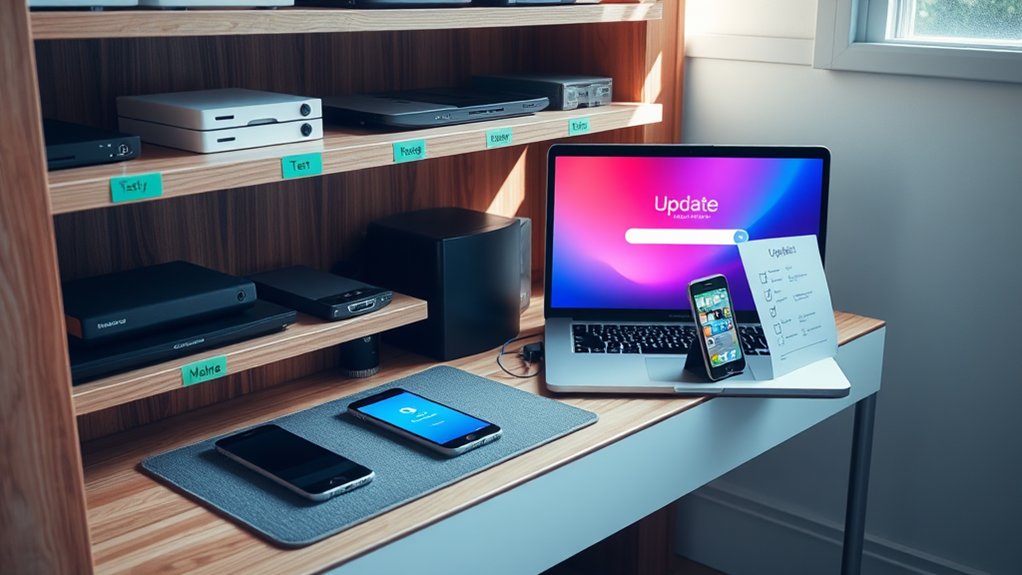
Retrieving and reusing electronics is just the start; keeping software updated is crucial for functionality and security. Enable automatic software updates to ensure you benefit from the latest security patches. Always download updates from trusted sources and steer clear of end-of-life software to reduce risks.
Here’s a quick overview of update processes and testing procedures:
| Process Type | Description |
|---|---|
| Manual Updates | Requires user action for installation |
| Automatic Updates | Installs updates automatically after user consent |
| Immediate Testing | Tests functionality immediately after updates |
| Data Backup | Always back up your data before updates |
Regular monitoring and testing will enhance your device’s performance and security, allowing you to use your electronics with confidence.
Frequently Asked Questions
What Types of Electronics Should Never Be Stored?
Avoid storing delicate devices or moisture-sensitive equipment in extreme temperatures or damp conditions. For instance, items like smartphones, laptops, and cameras should be kept away from humidity to prevent damage. Additionally, ensure they’re protected from physical harm and kept clear of magnetic fields to prevent data loss and corrosion.
Can I Store Electronics in a Garage?
You shouldn’t store electronics in a garage because of the changing conditions. Instead, consider these storage tips: use climate-controlled spaces, keep your devices clean, and protect them from moisture and dust to ensure they are well-preserved. For example, placing a laptop in a sturdy, moisture-resistant box can help safeguard it from dampness.
How Long Can Electronics Be Stored Safely?
Consider your electronics like delicate flowers; they need the right conditions to thrive. Generally, you can store them safely for several years, but it’s important to ensure proper storage to keep them in good condition for future use.
Is It Safe to Stack Electronics During Storage?
Stacking electronics is usually not advisable, but if you must, follow some basic guidelines. Always place lighter items on top and use protective materials to reduce the risk of damage and ensure stability. For instance, stack a small tablet on top of a larger laptop, using bubble wrap between them for cushioning. It’s essential to prioritise protection to keep your devices in good working order.
What Should I Do if Electronics Are Damaged During Storage?
If your electronics are damaged during storage, first assess the level of damage and look into repair options. Make sure to document everything for insurance purposes. If repairs aren’t practical, consider replacing the items or recycling them responsibly.
Conclusion
Treat your electronics like treasured possessions to preserve both technology and memories. Just as a gardener cares for their plants, proper storage ensures your devices remain functional when needed. Regular checks and organised storage create a supportive environment for your gadgets, allowing them to last longer and perform reliably. Develop this habit, and you’ll see your electronics remain in good condition for years to come.